
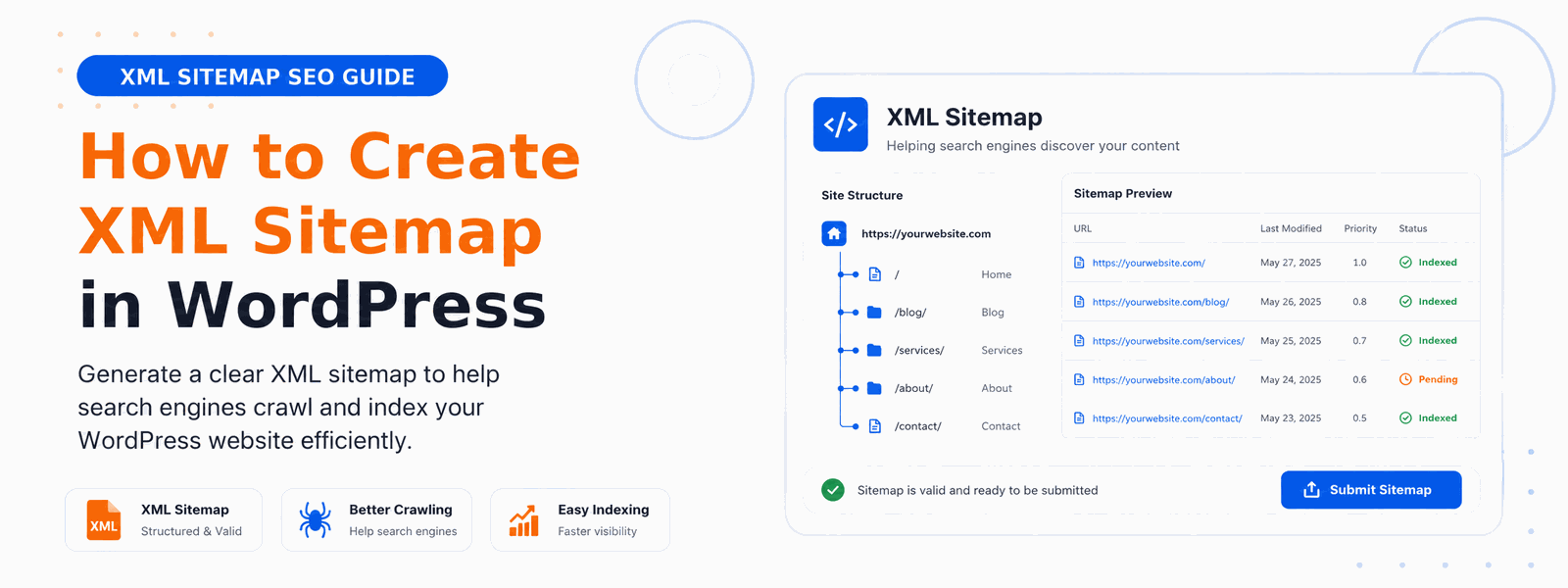
An XML sitemap for WordPress is a file that lists all the important pages on your website, helping search engines like Google crawl and index your content more efficiently. Creating one is one of the most fundamental and impactful steps in any WordPress SEO strategy — yet many website owners overlook it or delay implementation far longer than they should.
What Is an XML Sitemap?
An XML sitemap is a structured list of your website’s URLs in XML format, specifically designed for search engine crawlers rather than human readers. It tells search engines which pages to crawl, when content was last updated, how often pages change, and the relative priority of different pages. Search engines like Google can use this information to crawl your site more intelligently and ensure important content gets discovered and indexed. Without a sitemap, some of your valuable content may never appear in search results — not because of quality issues, but simply because crawlers never found it.
Why XML Sitemaps Are Important for SEO
Search engine crawlers discover pages by following links, both from external sources and from your internal link structure. But not every page on your website will be well-linked. New blog posts may not have many internal links pointing to them yet. Deeply nested category pages can be difficult for crawlers to reach. Product pages in large e-commerce catalogs may be missed in regular crawl cycles. An XML sitemap acts as a direct communication channel between your website and search engines, ensuring all your important content gets discovered and indexed regardless of your internal link structure.
Types of XML Sitemaps for WordPress
A comprehensive WordPress sitemap strategy involves more than a single file. Posts sitemap covers all your blog posts and articles. Pages sitemap includes static pages like your About, Contact, and Services pages. Category and tag sitemaps help search engines understand your content taxonomy. Image sitemaps can improve image search indexing. For WooCommerce sites, a product sitemap ensures all product pages are discovered quickly. A well-structured sitemap system organized into multiple focused files is more efficient than a single enormous sitemap containing thousands of URLs.
How to Create an XML Sitemap in WordPress
The easiest way to create an XML sitemap in WordPress is by using the Codersly SEO Plugin. The process is straightforward:
- Install and activate the Codersly SEO Plugin from your WordPress dashboard
- Navigate to Codersly SEO → Settings in your WordPress admin menu
- Enable the XML Sitemap option in the SEO settings panel
- Configure which content types to include in your sitemap — posts, pages, categories, custom post types
- Save your settings — your sitemap is now live at yoursite.com/sitemap.xml and updates automatically when you publish new content
How to Submit Your Sitemap to Google Search Console
Creating your sitemap is only half the job. Submitting it to Google Search Console accelerates indexing and gives you visibility into any crawling or indexing issues. Here’s how to do it:
- Log in to Google Search Console and select your website property
- Click “Sitemaps” in the left navigation menu
- Enter your sitemap URL (usually yoursite.com/sitemap.xml) in the “Add a new sitemap” field
- Click Submit — Google will confirm receipt and begin processing your sitemap
- Return to the Sitemaps section periodically to check for any errors Google reports
How to Submit Your Sitemap to Bing
While Google handles the majority of search traffic, submitting your sitemap to Bing Webmaster Tools is also worthwhile. The process is similar: log in to Bing Webmaster Tools, select your site, navigate to Sitemaps, and submit your sitemap URL. Bing and Yahoo both use this data for indexing, giving your content an additional discovery channel at no extra cost.
Best Practices for XML Sitemaps in WordPress
A well-managed sitemap follows these best practices. Only include indexable pages — exclude login pages, admin pages, search result pages, and any content with noindex meta tags. Exclude duplicate content that creates competing versions of the same information. Keep your sitemap under 50,000 URLs and 50MB — for larger sites, use multiple sitemaps linked from a sitemap index file. Update your sitemap automatically whenever you publish new content (the Codersly SEO plugin handles this automatically). Regularly check Google Search Console for sitemap errors and address them promptly.
Conclusion
Creating an XML sitemap for WordPress takes just a few minutes with Codersly SEO Plugin. Don’t overlook this critical SEO step — it helps Google find and index your content faster, ensuring that the quality content you work hard to create actually reaches your target audience through organic search.