
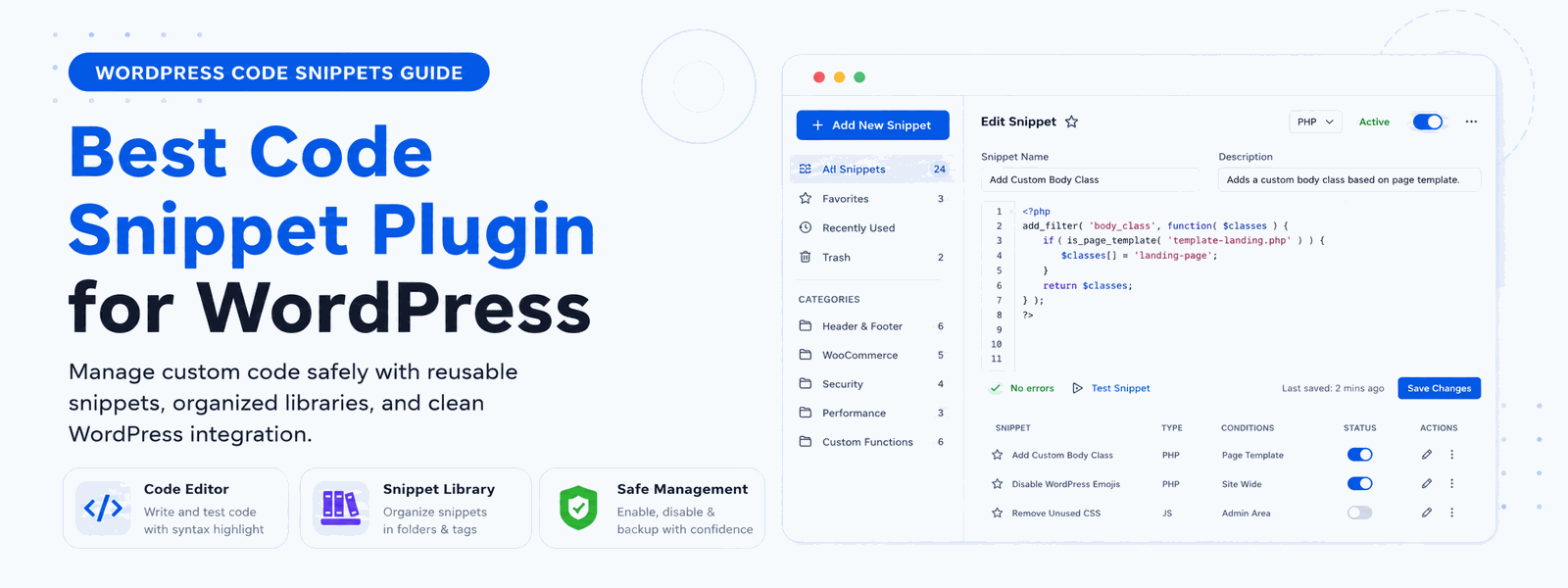
Adding custom code to WordPress typically means editing theme files — which can break your site if something goes wrong. A code snippet plugin for WordPress is a safer, more organized way to add custom CSS, PHP, JavaScript, and HTML to your site without touching a single theme file. Whether you’re a developer who works with code daily or a WordPress beginner making your first customization, using a code snippet plugin is the smart approach.
Why Use a Code Snippet Plugin Instead of Editing Theme Files?
Editing theme files — particularly functions.php — is one of the most common ways WordPress sites accidentally go offline. A single syntax error in a PHP file can trigger a white screen of death, locking you out of your admin panel entirely. Code snippet plugins let you add code safely with error checking and automatic disable on failure. Your custom code also survives theme updates without being wiped out, giving you stability and peace of mind.
What You Can Do with Code Snippets in WordPress
A versatile code snippet plugin opens up a world of WordPress customization that would otherwise require theme file editing or child themes. Here’s what you can achieve:
- Add custom PHP functions without touching functions.php, keeping your customizations safe through theme updates
- Inject custom CSS site-wide or on specific pages for targeted design changes
- Add JavaScript to specific pages or globally for enhanced interactivity
- Add custom HTML to headers and footers, including tracking pixels and verification codes
- Modify WooCommerce behavior without creating a child theme
- Add Google Analytics, Facebook Pixel, and other tracking scripts with a few clicks
- Create custom shortcodes for reusable content and functionality
- Disable unwanted WordPress features or third-party plugin scripts
The Risk of Skipping a Snippet Plugin
Many WordPress tutorials tell you to “just add this code to your functions.php file.” While that works, it creates several problems over time. Your custom code mixes with theme code, making it hard to track. Theme updates can overwrite your changes. You can’t easily enable or disable individual customizations. And one bad line of code affects your entire site. A code snippet plugin solves all of these problems by treating each customization as a separate, manageable unit.
Key Features of the Best Code Snippet Plugin for WordPress
When choosing a code snippet plugin, these are the features that matter most for both beginners and experienced developers:
Safe Mode Protection: The plugin should automatically detect when a snippet causes a fatal error and disable it before your site goes down. This safety net is essential for anyone adding PHP code to WordPress.
Code Type Support: Good snippet plugins support multiple code types — PHP for functionality, CSS for styling, JavaScript for interactivity, and HTML for structural changes. Each type should run at the appropriate point in the WordPress loading process.
Syntax Highlighting: A built-in code editor with syntax highlighting makes writing and reading code significantly easier, reducing errors and improving the development experience directly in the WordPress dashboard.
Enable/Disable Toggle: Each snippet should have a simple on/off toggle so you can test, pause, or disable customizations without deleting your code. This is invaluable during troubleshooting.
Snippet Categories: As your library of snippets grows, categorization becomes essential for staying organized and finding the right code quickly.
Code Snippets vs. Child Themes: Which Should You Use?
Child themes and code snippet plugins both protect your customizations from being overwritten by theme updates, but they serve different purposes. A child theme is best for extensive template file modifications, such as changing how posts or pages are displayed. A code snippet plugin is better for functional changes — adding features, modifying behavior, or inserting tracking scripts. For most WordPress users, a code snippet plugin handles 80–90% of customization needs without the complexity of setting up a child theme.
Codersly Snippet Plugin: The Best Code Snippet Plugin for WordPress
Designed for WordPress users at every skill level, the Codersly Snippet Plugin offers a clean, intuitive interface for managing custom code. You can enable and disable snippets individually, categorize them for easy management, add descriptions to document what each snippet does, and get syntax highlighting for error-free coding. Whether you’re adding a simple tracking script or a complex PHP function, Codersly Snippet handles it safely and efficiently.
Conclusion
Stop editing theme files and start using a proper code management solution. Install Codersly Snippet Plugin — the safest, most organized code snippet plugin for WordPress. Protect your customizations, keep your code organized, and never worry about theme updates wiping out your hard work again.
