
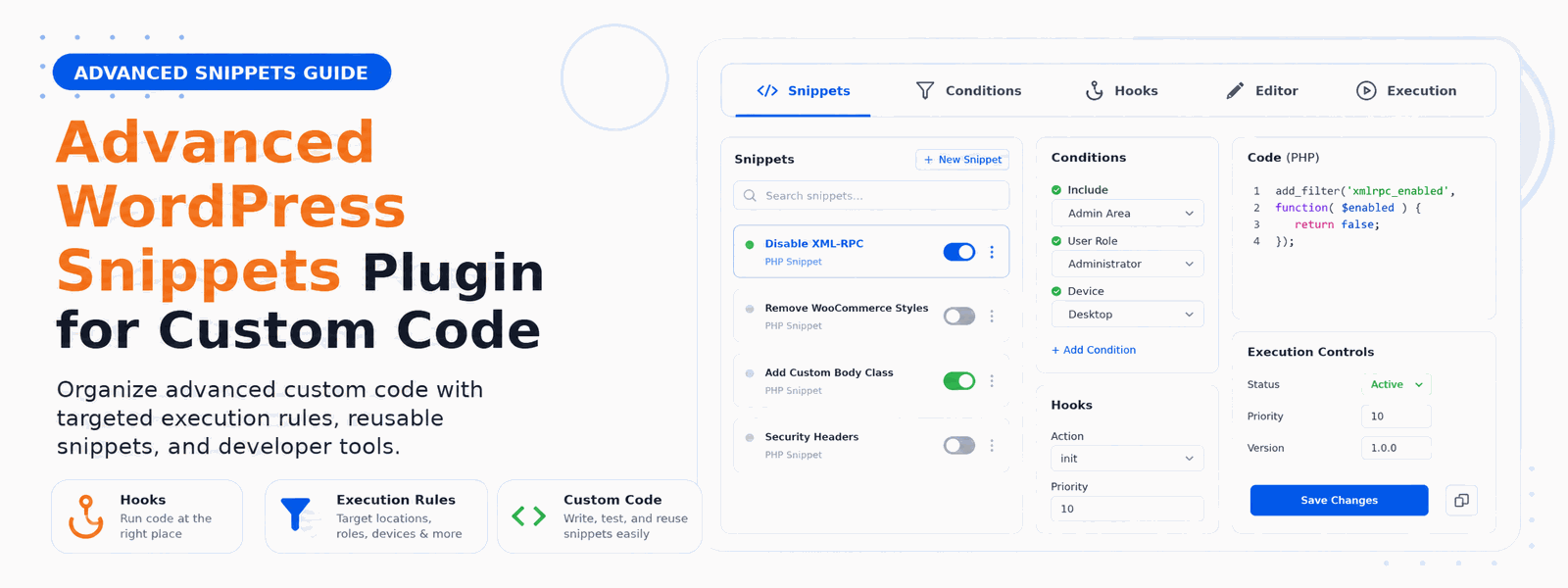
Power users and developers need more than basic snippet management. An advanced WordPress snippets plugin offers conditional loading, version control, import/export capabilities, and collaboration features that take custom code management to a professional level. If you’ve ever accidentally broken a site by adding bad code, or struggled to keep track of dozens of custom functions across multiple websites, an advanced snippets solution is exactly what you need.
Why Basic Snippet Plugins Fall Short
Basic code snippet plugins do one thing: let you add PHP, CSS, or JavaScript code to WordPress without editing theme files. That’s useful, but it barely scratches the surface of what professional developers and advanced users need. When you’re managing multiple sites, working in teams, or building complex customizations, you need a snippets plugin with serious power behind it.
When You Need an Advanced Snippets Plugin
You’ve outgrown basic snippet plugins if any of these apply to you: you manage multiple client websites and need to deploy the same code across sites; you work in a development team and need visibility into who changed what; you need code to load conditionally on specific pages or user roles; you require version history to roll back problematic code changes; or you want to organize dozens of snippets with proper categorization.
Advanced Features That Make the Difference
When evaluating an advanced WordPress snippets plugin, these are the features that separate professional tools from basic alternatives:
- Conditional Loading: Run snippets only on specific pages, post types, user roles, or even based on URL parameters — giving you precise control over where each piece of code executes
- Code Categories and Tags: Organize snippets with a comprehensive taxonomy system, making it easy to find the right code when you need it across large collections
- Import/Export: Move snippets between sites easily via JSON export, enabling rapid deployment across multiple client or staging environments
- Version History: Roll back to previous versions if a code change causes unexpected issues, protecting your site from errors during development
- Snippet Templates: Start from pre-built code templates for common tasks, saving development time on frequently needed customizations
- Safe Mode Protection: Automatically disable snippets that cause fatal errors, preventing your site from going down due to bad code
- Code Syntax Highlighting: Write cleaner code with a professional editor that highlights syntax and catches common errors before you save
- Bulk Operations: Enable, disable, export, or delete multiple snippets at once for efficient management of large code libraries
Organizing Custom Code Across Multiple WordPress Sites
Professional WordPress developers often manage anywhere from 5 to 50+ client sites. Without proper organization, custom code can quickly become a maintenance nightmare. An advanced snippets plugin lets you maintain a library of reusable code solutions that you can export from one site and import to another in seconds. This dramatically reduces development time and ensures consistency across your client portfolio.
Conditional Code Loading: A Game-Changer for Performance
One of the most underappreciated features of an advanced snippets plugin is conditional loading. Instead of loading all custom code on every page of your site, conditional snippets run only where they’re actually needed. A WooCommerce customization doesn’t need to execute on your blog posts. A sidebar widget script doesn’t need to load on product pages. Conditional loading keeps your site lean and fast while still delivering all the functionality you need.
Safe Code Management Without Risk
One of the biggest fears when adding custom code to WordPress is accidentally breaking the site. Advanced snippets plugins address this with built-in safety mechanisms. Safe mode detects when a snippet causes a fatal error and automatically disables it, restoring your site’s functionality. Some plugins also offer the ability to test snippets on staging environments before deploying to production, giving developers confidence in every code change.
Codersly Snippets Pro: Professional Code Management for WordPress
The Codersly Snippets Pro Plugin is the complete professional solution for managing custom WordPress code. Built for developers and advanced users who need power, flexibility, and organization, it offers conditional loading, version control, import/export functionality, and a clean code editor with syntax highlighting — all without ever touching your theme files. Whether you’re building for clients or managing your own complex WordPress installations, Codersly Snippets Pro streamlines your entire custom code workflow.
Conclusion
Upgrade your code management workflow with Codersly Snippets Pro — the advanced WordPress snippets plugin built for professional developers and power users who demand more from their tools.