
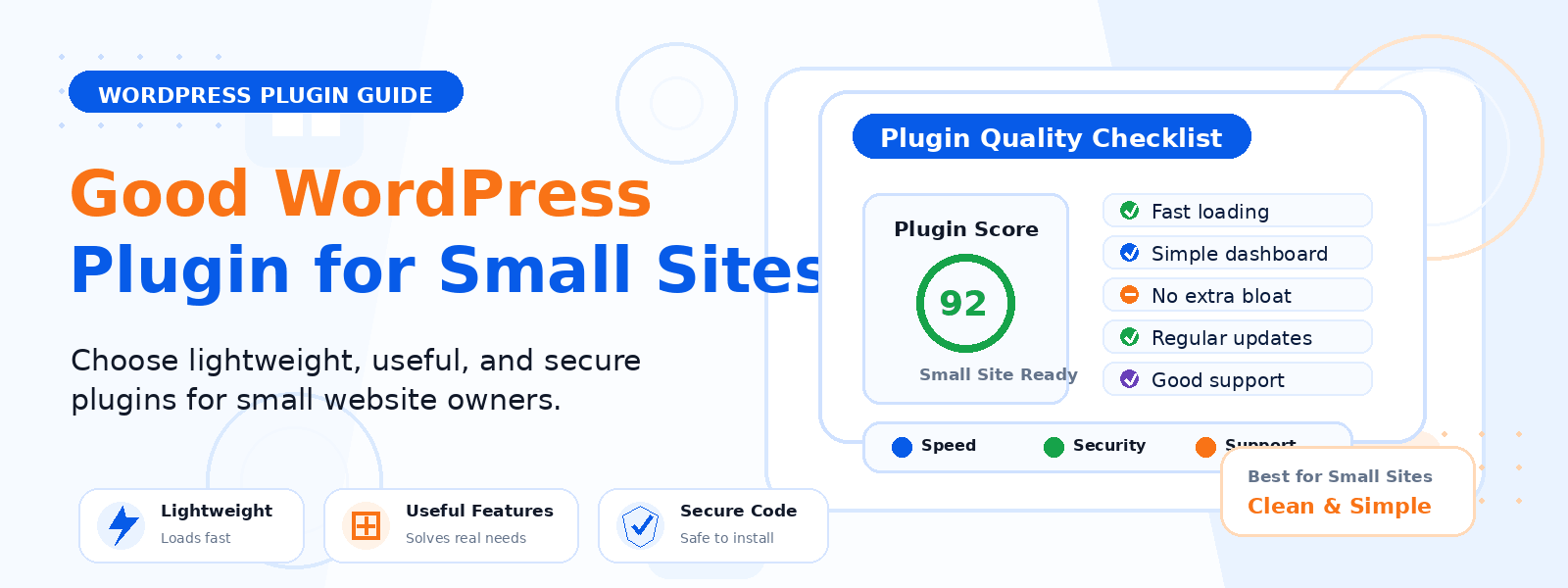
Choosing the right WordPress plugin can feel overwhelming when there are over 60,000 options available in the official plugin directory alone. For small business owners who may not have a technical background, knowing what to prioritize — and what to avoid — is crucial for building a WordPress site that performs reliably, stays secure, and scales with your business over time.
In this post, we’ll break down the key features that define a great WordPress plugin for small business owners, so you can make informed decisions that protect your investment and improve your results.
1. Lightweight and Performance-Friendly
The best WordPress plugins for small businesses are those that do their job without slowing down your website. Every plugin you install adds code that must be loaded on every page request. Poorly coded plugins can add dozens of unnecessary database queries, load heavy JavaScript and CSS files, and significantly increase your page load time.
Before installing any plugin, check its size, the number of active installations, and recent reviews that mention performance. A plugin that’s less than 1MB and well-reviewed for speed is almost always preferable to a feature-rich alternative that bloats your site.
2. Actively Maintained and Regularly Updated
WordPress is constantly evolving, and plugins that aren’t regularly updated quickly become security liabilities and compatibility risks. Look for plugins that have been updated within the last 60–90 days, are compatible with the latest version of WordPress, and have a responsive development team that addresses reported bugs promptly.
In the WordPress plugin directory, you can see the “Last Updated” date and “Tested up to” version for every plugin. Avoid plugins that haven’t been updated in over a year, as they may not work correctly with current WordPress versions and could contain unpatched vulnerabilities.
3. Excellent User Reviews and Support
A plugin with thousands of active installs and a 4.5-star or higher rating is generally a safe choice. Read through both positive and negative reviews to understand common issues users face. Pay particular attention to how the development team responds to negative reviews — a team that actively addresses concerns and releases fixes is a team you can trust to support your site long-term.
Check whether the plugin offers dedicated support forums, documentation, or a knowledge base. For small business owners without dedicated technical staff, having reliable plugin support is not just convenient — it’s essential.
4. Clean, Secure Code
Security is a top concern for any small business website. A poorly coded plugin can introduce SQL injection vulnerabilities, cross-site scripting (XSS) exploits, or data exposure risks that put your business data and your customers’ information at risk. Look for plugins that are listed in the WordPress.org directory (which has a basic vetting process), have received security audits, or are built by reputable companies with a track record of responsible disclosure practices.
5. Minimal and Focused Feature Set
For small business owners, the ideal plugin does one thing exceptionally well rather than trying to do everything adequately. A focused plugin is easier to learn, less likely to conflict with other plugins, simpler to troubleshoot, and more likely to be well-maintained by its developer. Avoid “all-in-one” plugins that promise to handle SEO, performance, security, and design in a single package — these are often a source of conflicts and performance issues.
6. Easy Configuration Without Technical Knowledge
Not every small business owner has a developer on staff. The best plugins provide a straightforward setup wizard, clear settings panels with plain-language explanations, and sensible default configurations that work well out of the box. If a plugin requires you to edit PHP files or understand server configurations just to get it working, it’s probably not the right choice for a small business context.
7. GDPR and Privacy Compliance
If your business operates in or serves customers in the European Union, GDPR compliance is a legal requirement. Look for plugins that offer built-in data processing controls, cookie consent integration, data deletion features, and clear documentation about what data they collect and how it’s used. This is especially important for contact form plugins, analytics tools, newsletter plugins, and eCommerce solutions.
8. Compatibility with Your Theme and Other Plugins
Before committing to a plugin, test it in a staging environment to make sure it’s compatible with your current WordPress theme and other installed plugins. Plugin conflicts are one of the most common causes of WordPress errors, broken layouts, and white screen issues. A reputable plugin developer will clearly document known compatibility issues and provide instructions for resolving them.
Conclusion
The ideal WordPress plugin for a small business is one that’s lightweight, actively maintained, secure, easy to use, and focused on solving a specific problem well. By evaluating plugins against these key criteria before installing them, you can build a leaner, more reliable WordPress site that serves your business effectively without the technical overhead of managing a bloated plugin stack.