
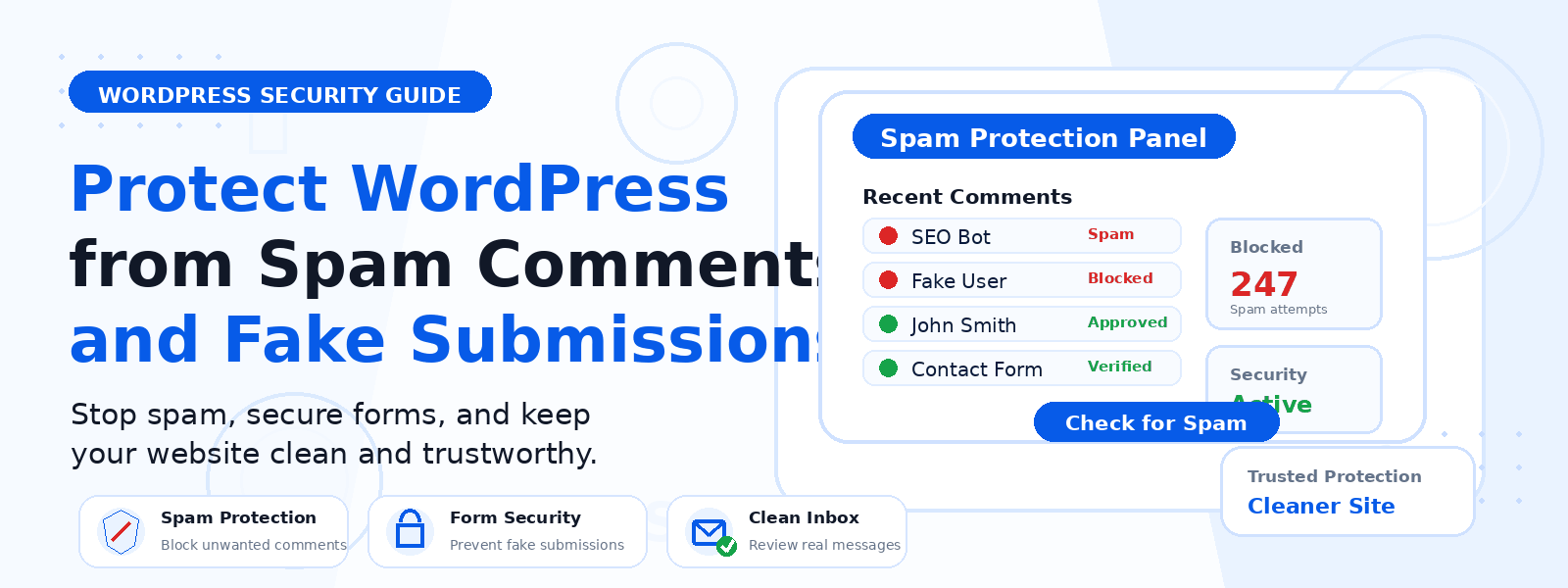
Spam comments and fake form submissions are a constant nuisance for WordPress website owners. Beyond the obvious annoyance of manually deleting hundreds of bot-generated comments, spam can harm your website’s reputation, slow down your database, expose your site to security vulnerabilities, and even affect your SEO if Google detects low-quality user-generated content on your pages.
Fortunately, WordPress provides several effective strategies for preventing spam before it ever appears on your site. In this guide, we’ll walk through the most reliable methods for protecting your WordPress site against comment spam and phony form submissions.
Understanding Where Spam Comes From
Most WordPress comment spam and fake form submissions come from automated bots that crawl the web looking for open comment sections and contact forms. These bots submit thousands of entries per hour, often promoting low-quality websites, pharmaceutical products, gambling services, or malicious links. Some spam is also submitted manually by low-paid workers hired specifically for this purpose. Understanding the source helps you choose the right countermeasures.
1. Enable Akismet Anti-Spam
Akismet is the most widely used spam filtering plugin for WordPress and comes pre-installed with every new WordPress installation. It uses a cloud-based spam detection algorithm trained on billions of spam samples to automatically identify and filter out spam comments before they reach your moderation queue. For personal and non-commercial websites, Akismet is free. For business sites, a paid plan is required. Enabling Akismet is the single most effective step you can take to reduce comment spam.
2. Add CAPTCHA or Honeypot Protection to Forms
CAPTCHA challenges (like Google reCAPTCHA) require users to prove they’re human before submitting a comment or form. While traditional image-based CAPTCHAs can frustrate real users, Google’s Invisible reCAPTCHA v3 and similar alternatives work silently in the background, scoring user behavior without requiring any visible interaction. A honeypot field is another effective technique — it adds a hidden form field that real users never see, but bots automatically fill in, allowing the server to detect and reject bot submissions silently.
3. Require User Registration Before Commenting
One of the simplest ways to eliminate automated comment spam entirely is to require users to register and log in before they can post a comment. This is especially effective for community-focused sites, forums, and blogs where building a genuine user base is a priority. You can enable this in WordPress Settings → Discussion → “Users must be registered and logged in to comment.”
4. Close Comments on Old Posts
Most spam targets older posts because they’re less likely to be actively monitored. WordPress allows you to automatically close comments on posts older than a specified number of days. Go to Settings → Discussion → “Automatically close comments on posts older than X days.” Setting this to 30–60 days is a reasonable default that eliminates a large portion of comment spam without affecting legitimate discussion on recent content.
5. Moderate First-Time Commenters
In Settings → Discussion, you can set WordPress to hold comments from first-time commenters for manual review. This means only users who have had a comment previously approved can post immediately. New commenters — both human and bot — must wait for your approval. This adds a layer of moderation that catches most spam while allowing genuine comments to appear after initial approval.
6. Use a Security Plugin with Spam Protection
Comprehensive WordPress security plugins such as Wordfence, Sucuri, or iThemes Security include spam protection features alongside their broader security tools. These plugins can block suspicious IP addresses, rate-limit form submissions, and detect patterns associated with bot activity before spam even reaches the comment or form submission stage.
7. Disable Trackbacks and Pingbacks
Trackbacks and pingbacks are a WordPress feature that notifies other sites when you link to them. While originally designed for community building, they’re now almost exclusively exploited for spam. Disable them globally in Settings → Discussion by unchecking “Allow link notifications from other blogs (pingbacks and trackbacks) on new articles.” This immediately reduces a category of spam notifications that clutters your moderation queue.
8. Use Contact Form Plugins with Built-in Spam Protection
If you use a contact form on your website, choose a form plugin that includes built-in spam protection. Popular options like WPForms, Contact Form 7 (with add-ons), and Gravity Forms all offer reCAPTCHA integration and honeypot fields. Avoid using basic HTML forms without any protection, as they will quickly become targets for automated spam bots.
Conclusion
Protecting your WordPress site from spam comments and fake form submissions doesn’t require advanced technical knowledge — it just requires implementing the right combination of tools and settings. By enabling Akismet, adding CAPTCHA or honeypot protection, moderating first-time commenters, and disabling unnecessary features like trackbacks, you can dramatically reduce spam to manageable levels and keep your website clean, professional, and secure.
